-
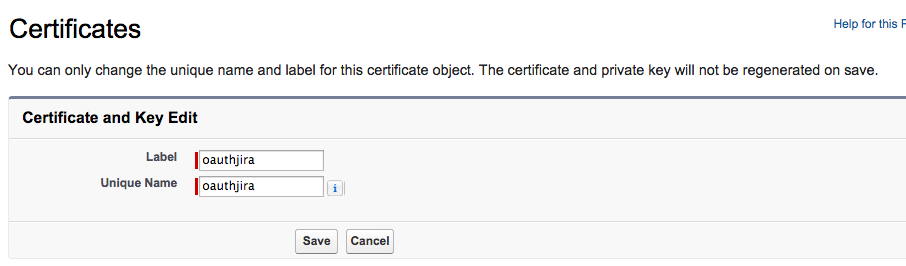
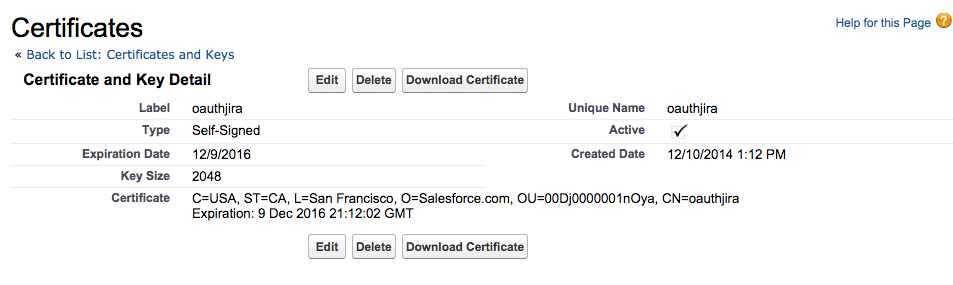
Create a self-signed certificate that will be installed in the JIRA instance when setting up Application Linking with Salesforce. The option to do so is under ‘Security Controls->Certificate and Key Management’. The Unique Name and Label will be ‘oauthjira‘
-
After creating the certificate, download it to a local directory. This certificate will be used when defining Application Link in Jira to allow exchange from Salesforce.