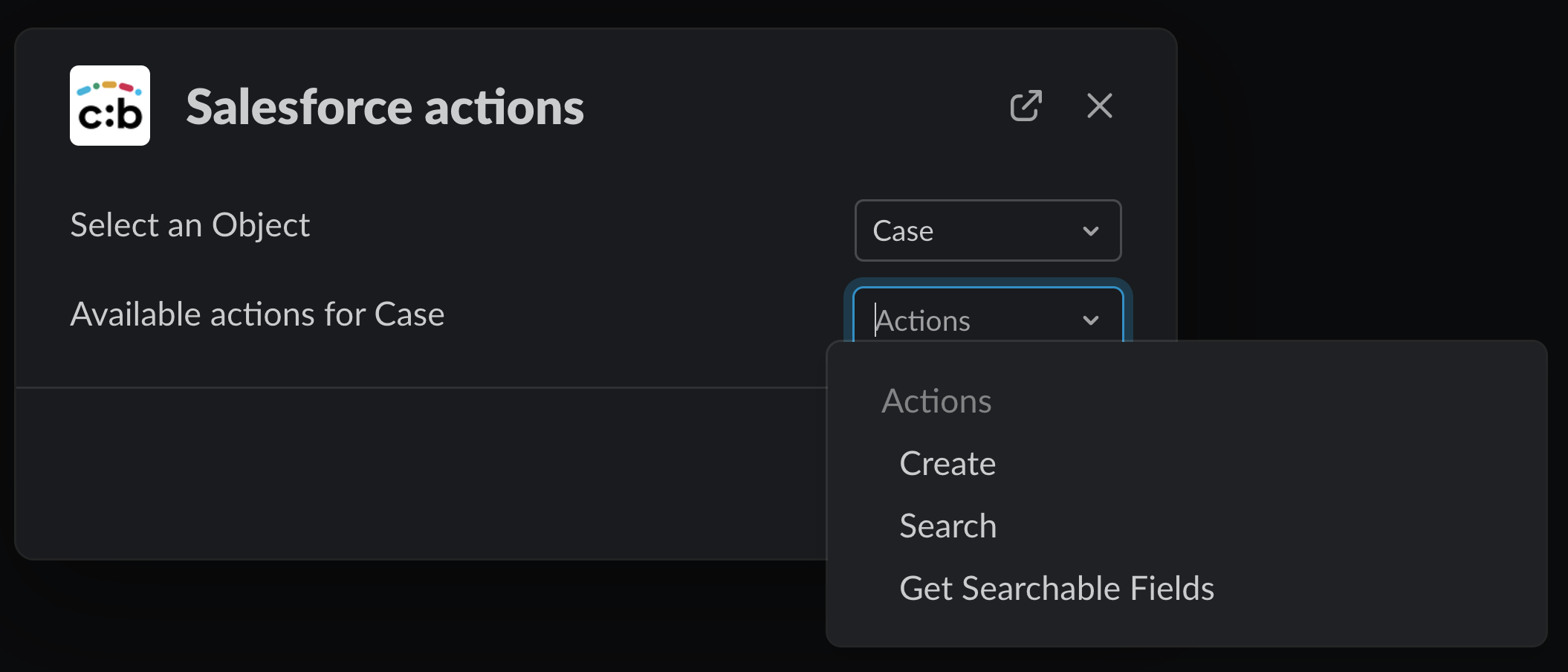
Chat:Bridge allows Slack users to display and choose a set of Actions available for Salesforce Objects from Slack. These Actions will depend on the configurations done for each Salesforce Object in the Chat:Bridge Salesforce Configuration page.
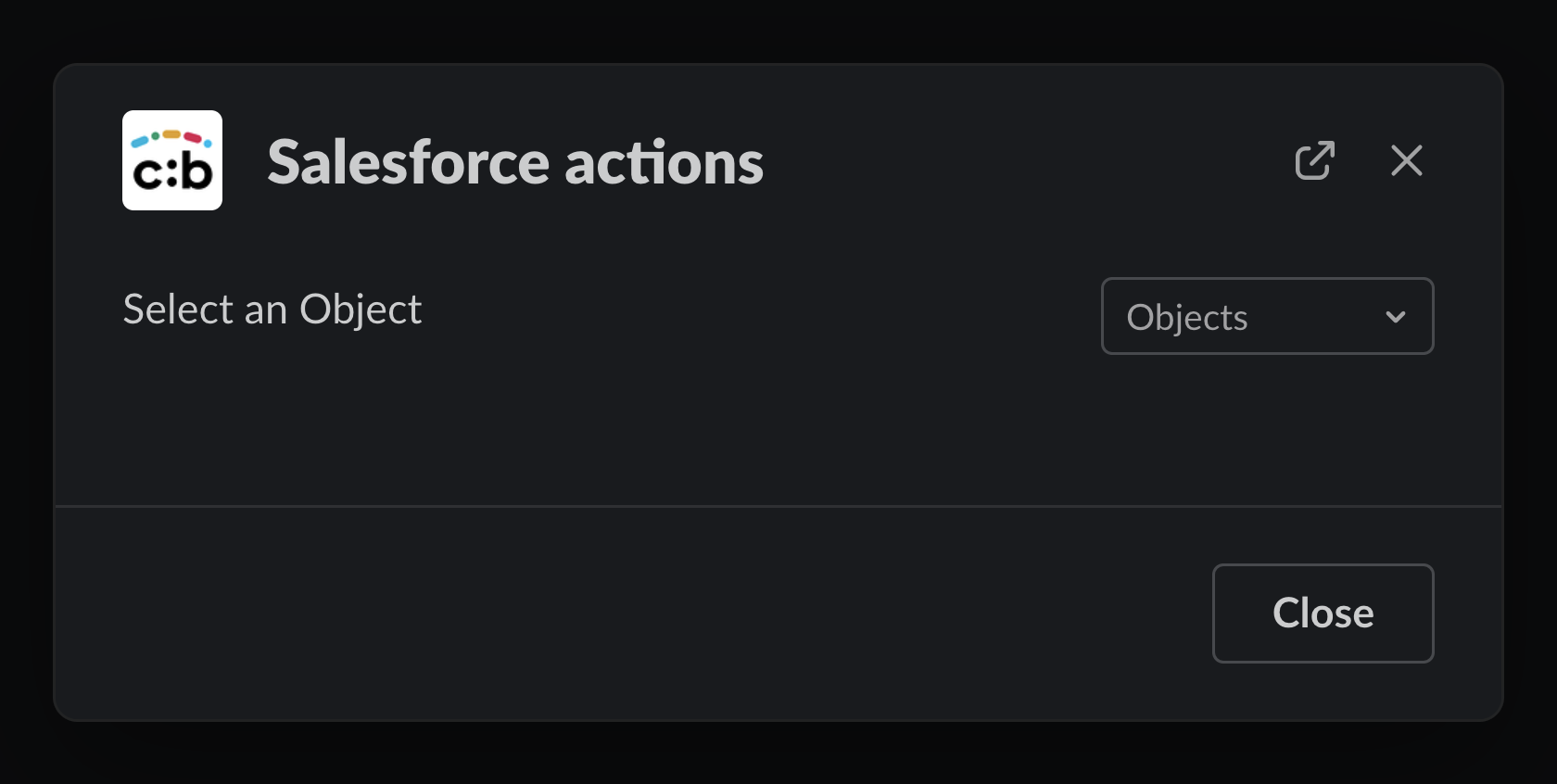
From Slack, the /sf command opens a new Modal showing the available Salesforce Objects

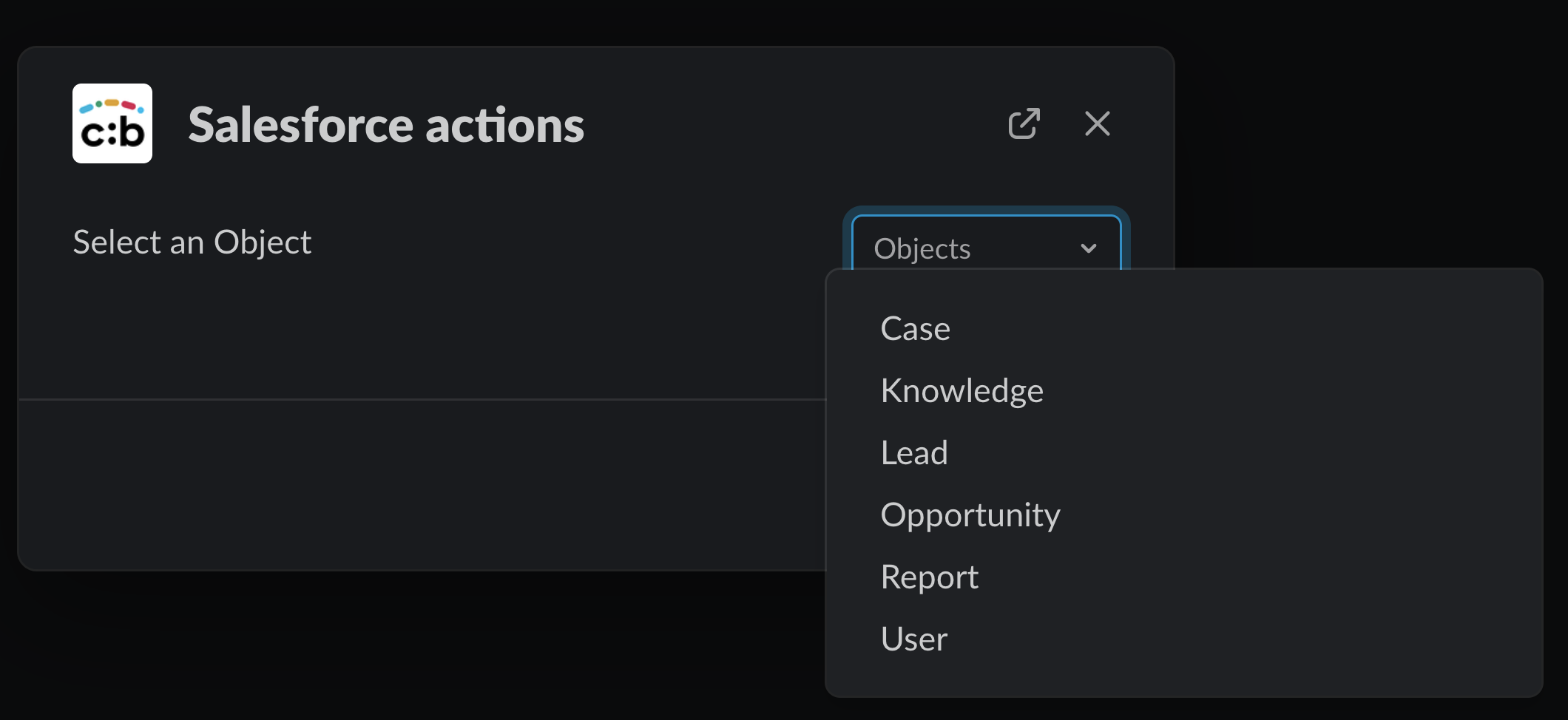
After choosing a Salesforce Object, a new drop down will be displayed with the available Salesforce Actions for the Object.
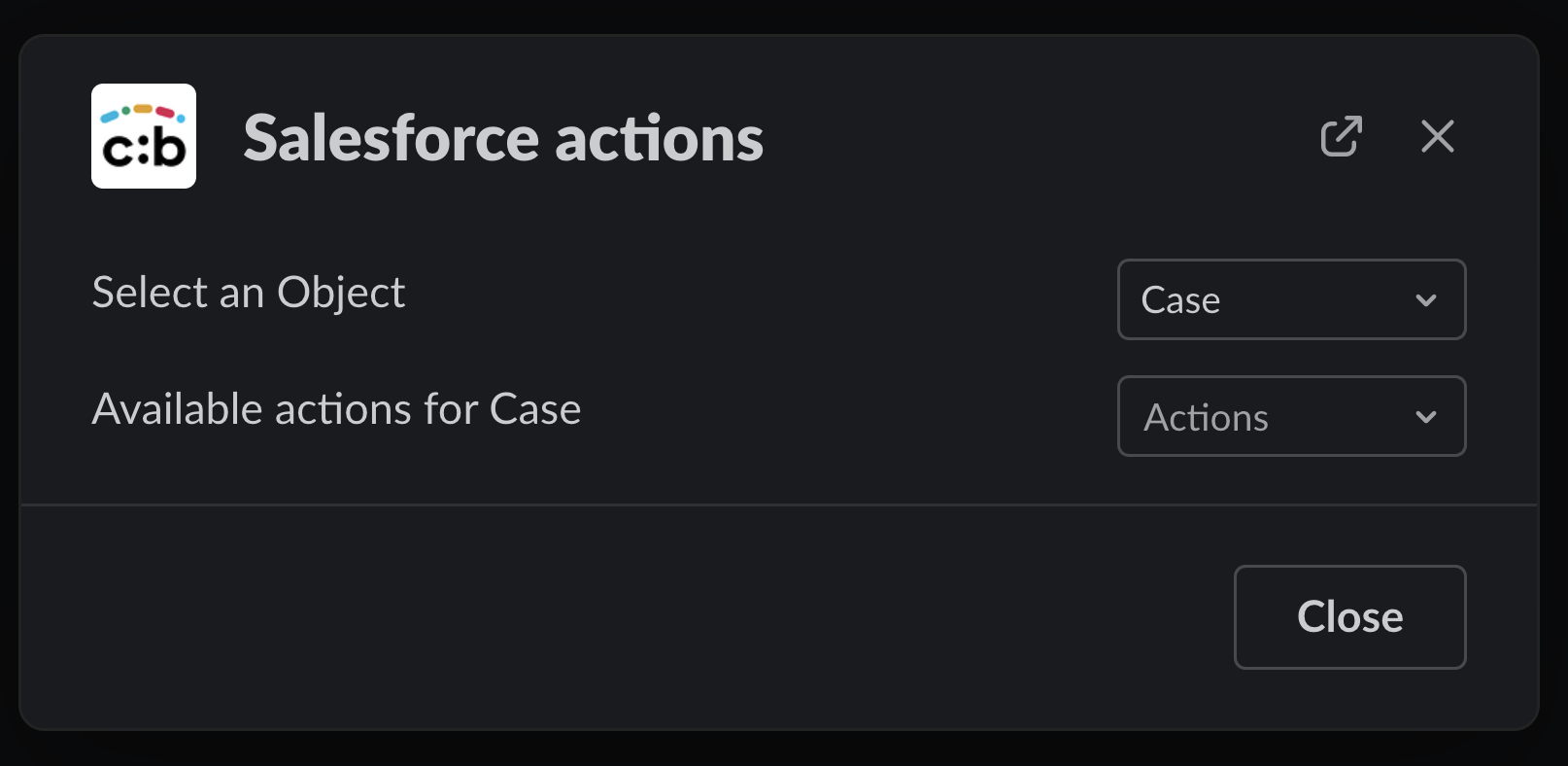
In the example below, available (configured) Actions are:
-
Create a new Record
-
Search for Records
-
Get Searchable fields: Useful when trying to perform searches from Slack with a command (more details here)