
The following instructions apply to customers with pre-1.16 version of zAgileConnect who wish to integrate additional Salesforce org to their existing on-premise Jira
To enable support for integrating multiple Salesforce orgs, Salesforce-Issue relationships that corresponds to the existing Salesforce org need to be migrated prior to integrating additional orgs.
Upgrade to zAgileConnect 1.16.x
Install 1.16 Salesforce Package and corresponding Jira Add-on (for Jira Server and Jira Data Center) by following the Upgrading zAgileConnect to v1.16 instructions.
Confirm Data is Migrated for Multi-Salesforce support
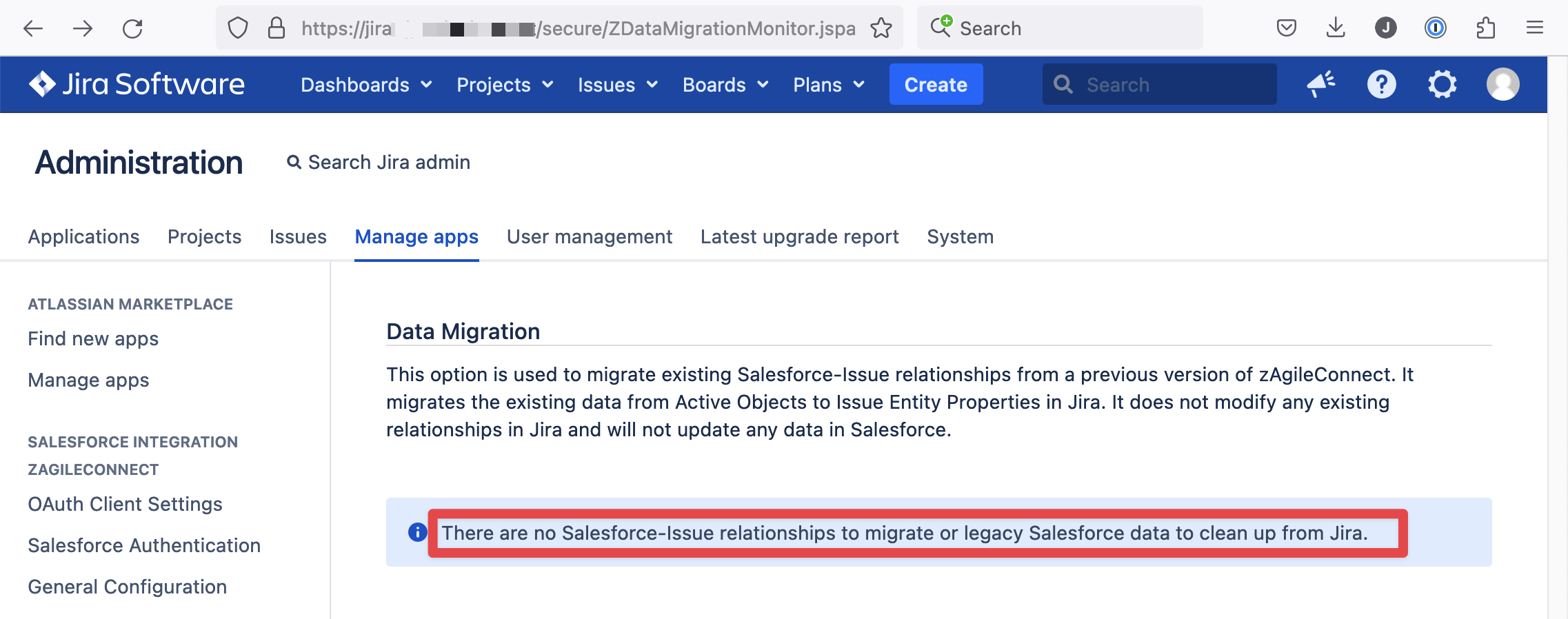
Go to https://<JIRA_BASE_URL>/secure/ZDataMigrationMonitor.jspa (replace JIRA_BASE_URL with your Jira Server or Data Center URL) and confirm there is no Salesforce-Issue relationships to be migrated.
In this page you can also monitor the progress of the migration (or manually start it if needed).
Connect a second Salesforce Org to Jira
1. Make sure the existing Salesforce connection is marked as Default
Go to Jira Administration → Manage Apps → zAgileConnect section → Salesforce Authentication and make sure your Salesforce is marked as 'Default Org'. You can also edit the connection and set a custom Alias.
2. Add a new Salesforce Connection and configure it
The following steps apply to the second Salesforce org that is to be integrated with Jira:
-
(V1.17) Defining JIRA as a Remote Site to the Salesforce instance
-
(V1.17) Creating a Self-signed Certificate for Jira Application Link
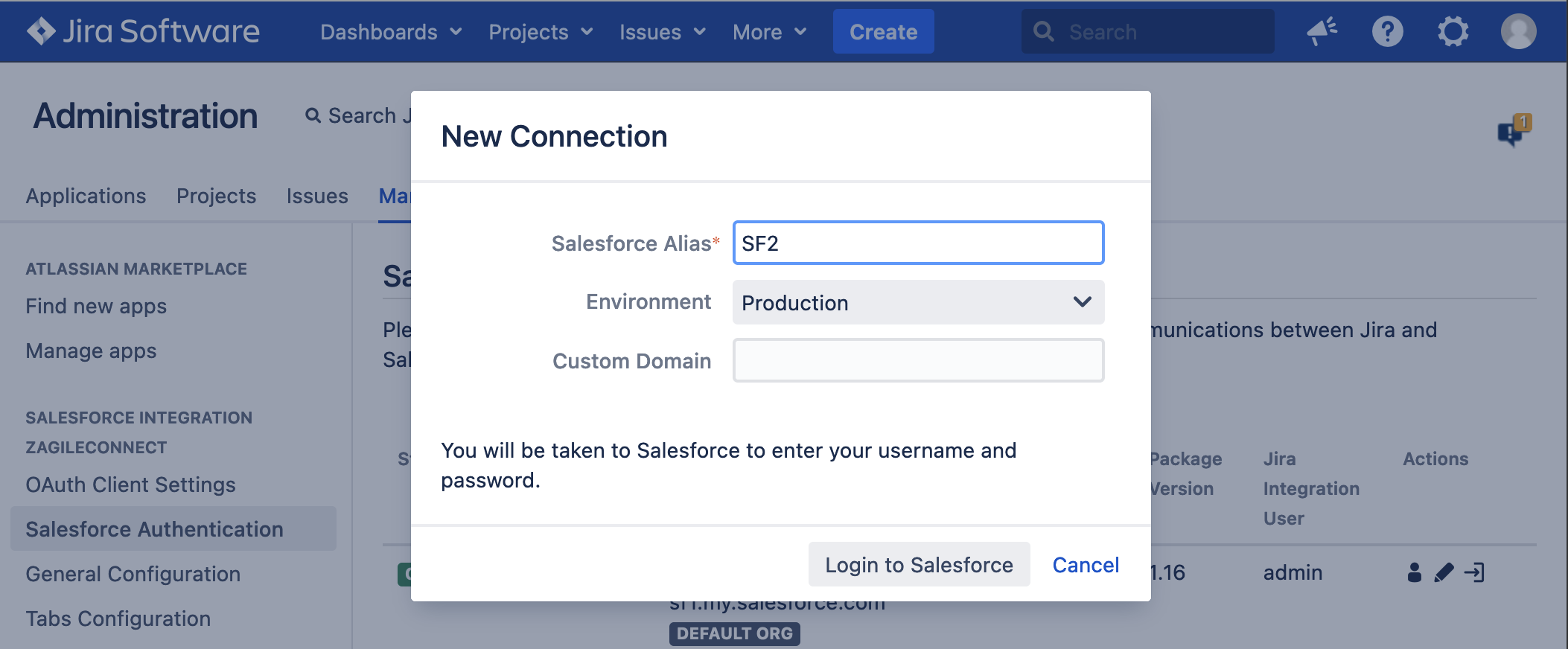
In Jira Administration → Manage Apps → zAgileConnect section → Salesforce Authentication, add a new Salesforce connection, specify an Alias and Login to Salesforce.
Finally finish the rest of the configuration in Salesforce following (V1.17) Configuring zAgileConnect, specifically Configuration Steps (3 thru 7).