
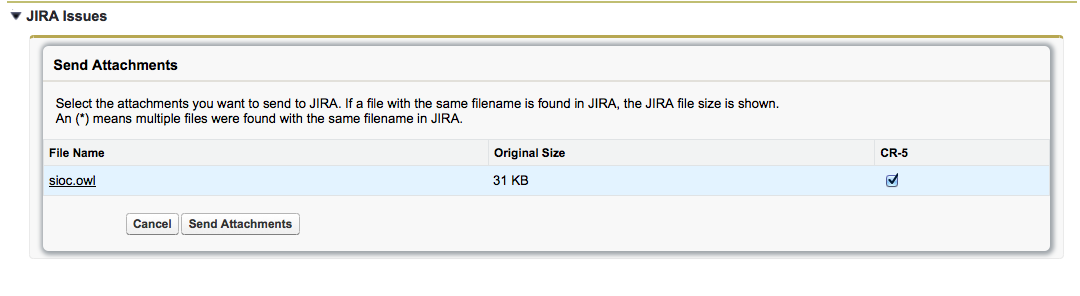
To send an attachment to JIRA, you can select one or more Issues related to the Case and select the Send attachments option. This action compares existing attachments with those in the selected JIRA issue and provides a confirmation screen. You can select specific attachments to send, ensuring that nothing is inadvertently overwritten in JIRA.
Similarly, in JIRA in the Case context related to the Issue, you can choose to send selected attachments to the Case.
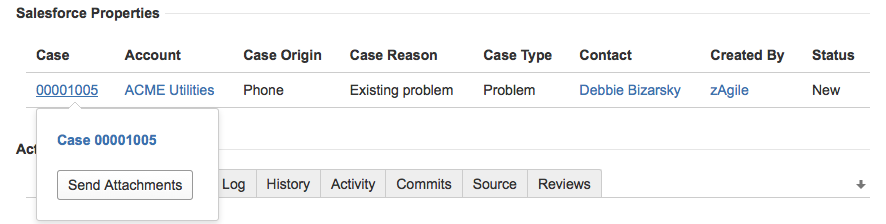
To send attachments to Salesforce, click on the Case number in Salesforce Properties panel. A pop up window, as shown below, will provide access to the Send Attachment option as well as navigation to the Case in Salesforce.
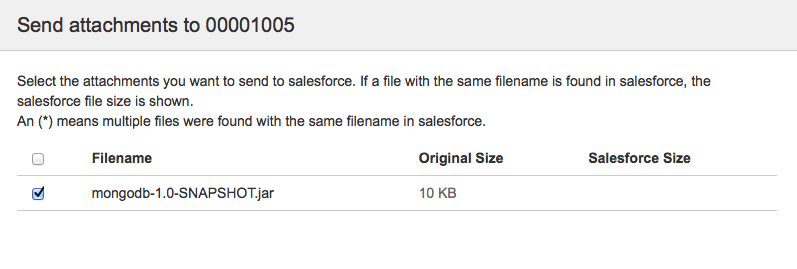
And the attachment will be available in Salesforce.
