
You can share comments between Salesforce and JIRA using zAgileConnect. From a Case, simply include #JIRA tag in the Comment text. This will cause the comment to be posted to all the related JIRA issues. To post comment to a specific issue, you can include the issue key in the hashtag (ex: #CR-5).
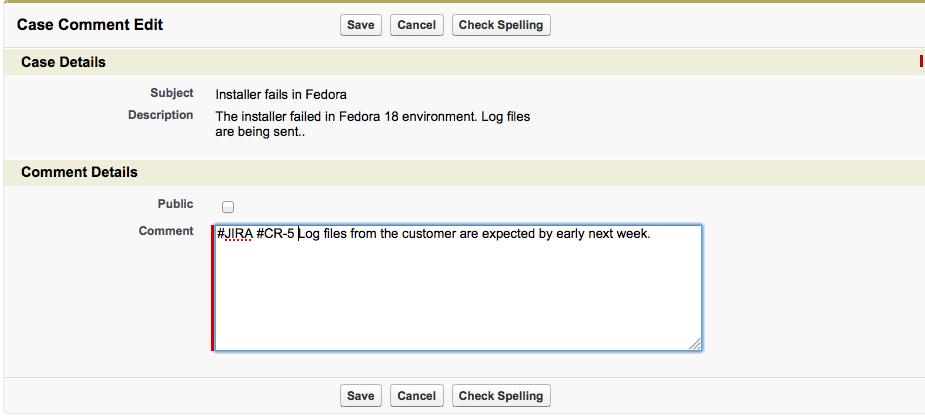
Here is the comment as it is automatically posted to the JIRA issue.

Similarly, by adding hashtag #Salesforce, comments from JIRA may be posted to all (or a specific) Cases related to the issue.

This comment will be automatically posted to the related Case, along with the issue key and user posting the comment.
