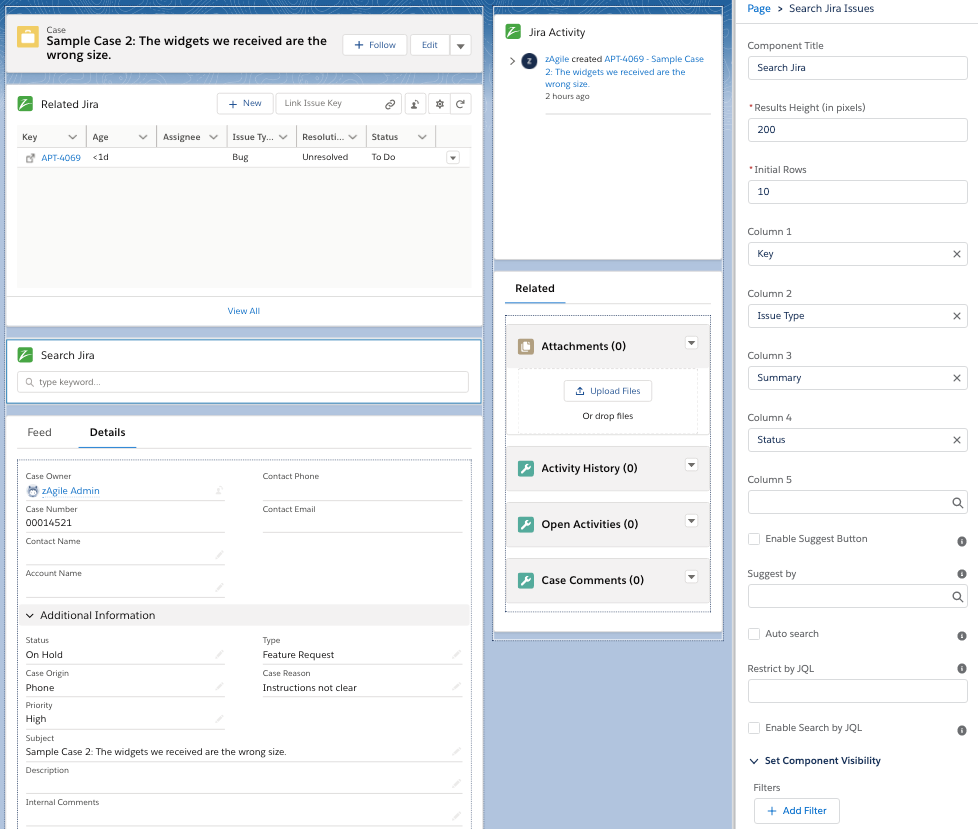
The final step in this setup before turning this capability to Support teams involves adding the Related Jira Issues and other components to the Lightning page from where users will interact with Jira.
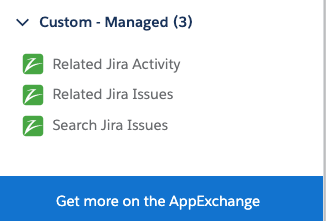
The following Lightning Web Components are available with zAgileConnect for accessing Jira information in Salesforce Lightning. These components are accessible from the Lightning Page Builder and can be added to the Case Lighting record Page (or any other integrated Salesforce object).
-
Related Jira Issues
-
Provides various Issue actions performed in Jira from Salesforce to create, delete, link Jira Issues
-
View Jira Issue fields
-
Navigate to Issue details
-
Send Attachments to related Jira Issue(s)
-
Allow user to log into Jira using their own Jira account for performing various actions
-
-
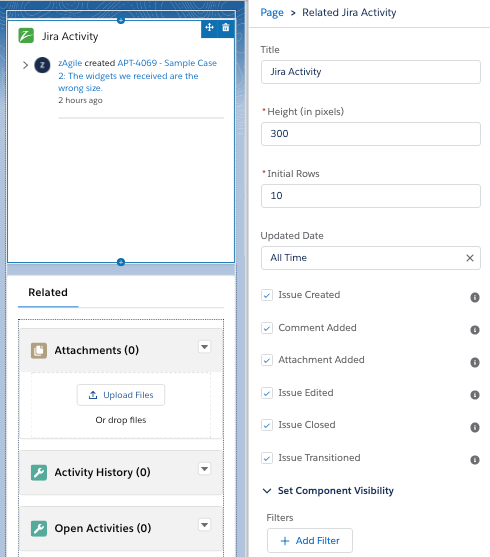
Related Jira Activity
-
View recent activity for related Jira Issues
-
-
Search Jira Issues
-
Automatically retrieve suggested Jira Issues for a related Salesforce object (ex: Case)
-
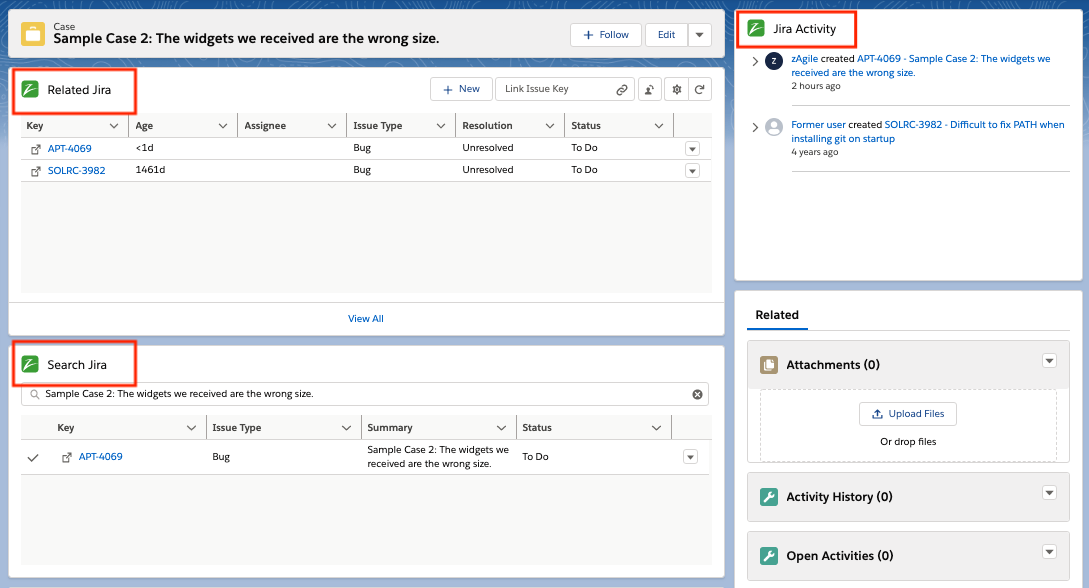
Related Jira Issue LWC
Used for displaying related Jira Issues. Includes actions that may be performed on related Jira Issues (create, search, link, unlink, delete).
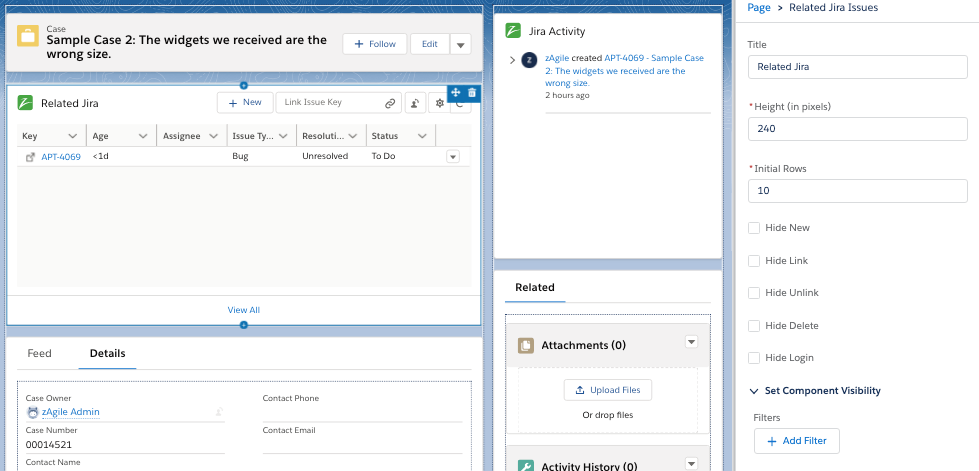
Related Jira Issue Activity LWC
For displaying recent activity for related Issues as captured in Jira
Search Jira Issues
For searching Jira Issues based on selected Case field.