
While Chat:Bridge may be used from the standard Chatter Post Quick Action using commands, you can also add Slack Quick Action to the page layout for your Slack-enabled objects (for both Classic and Lightning) for improved usability.

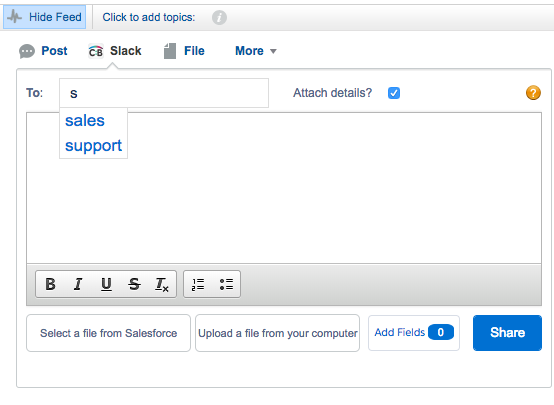
In Salesforce Classic, this will result in the following:
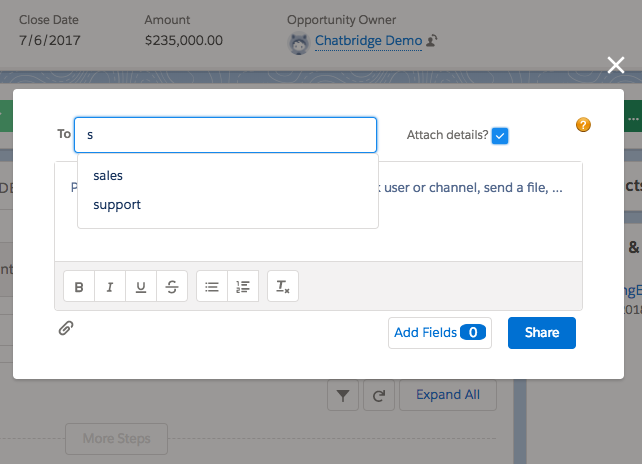
And for Lightning:
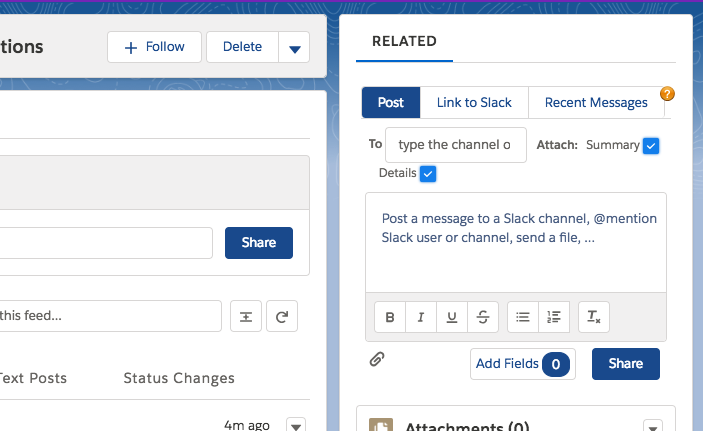
Chat:Bridge also provides a Lightning Component that may be added to the Lightning Console rather than the Quick Action.
Following the completion of these setup steps, please refer to the Chat:Bridge User’s Guide on getting started with Chat:Bridge for collaborating with Slack teams.