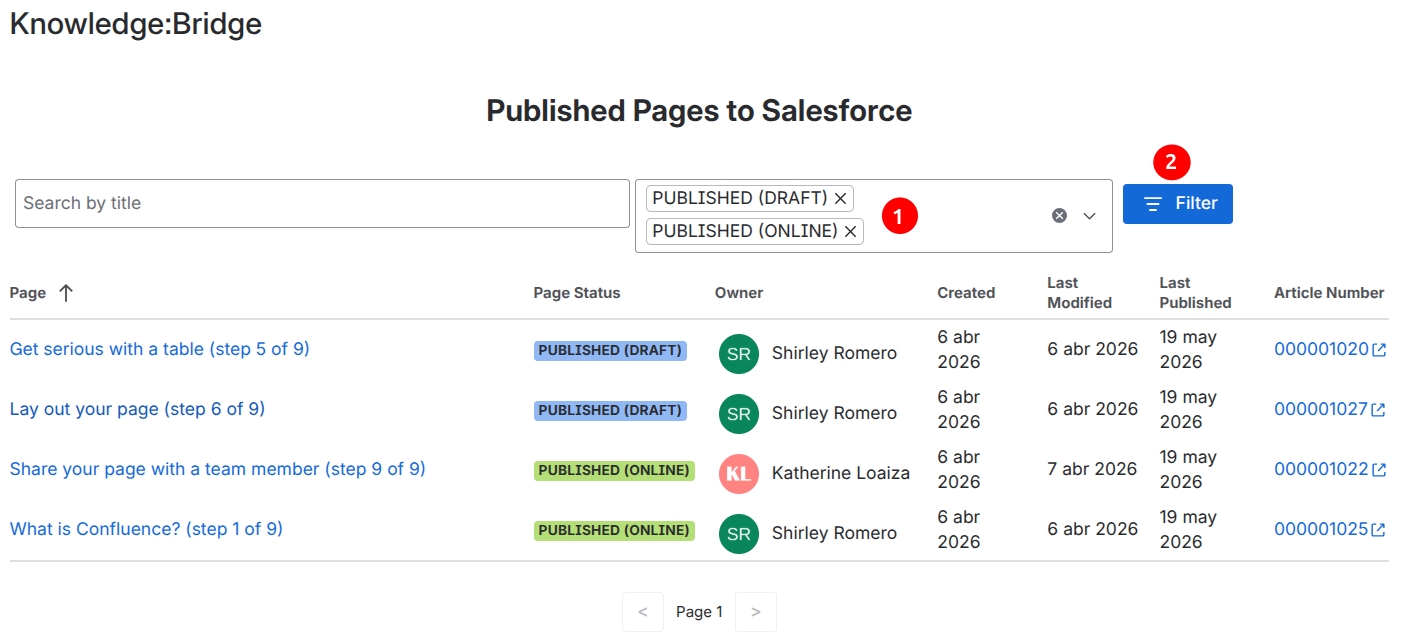
Knowledge:Bridge provides the option to list all the Confluence pages in a Space and whether they are published to Salesforce or not.
Find the report in the Space apps in Confluence as the “Knowledge:Bridge“ app.
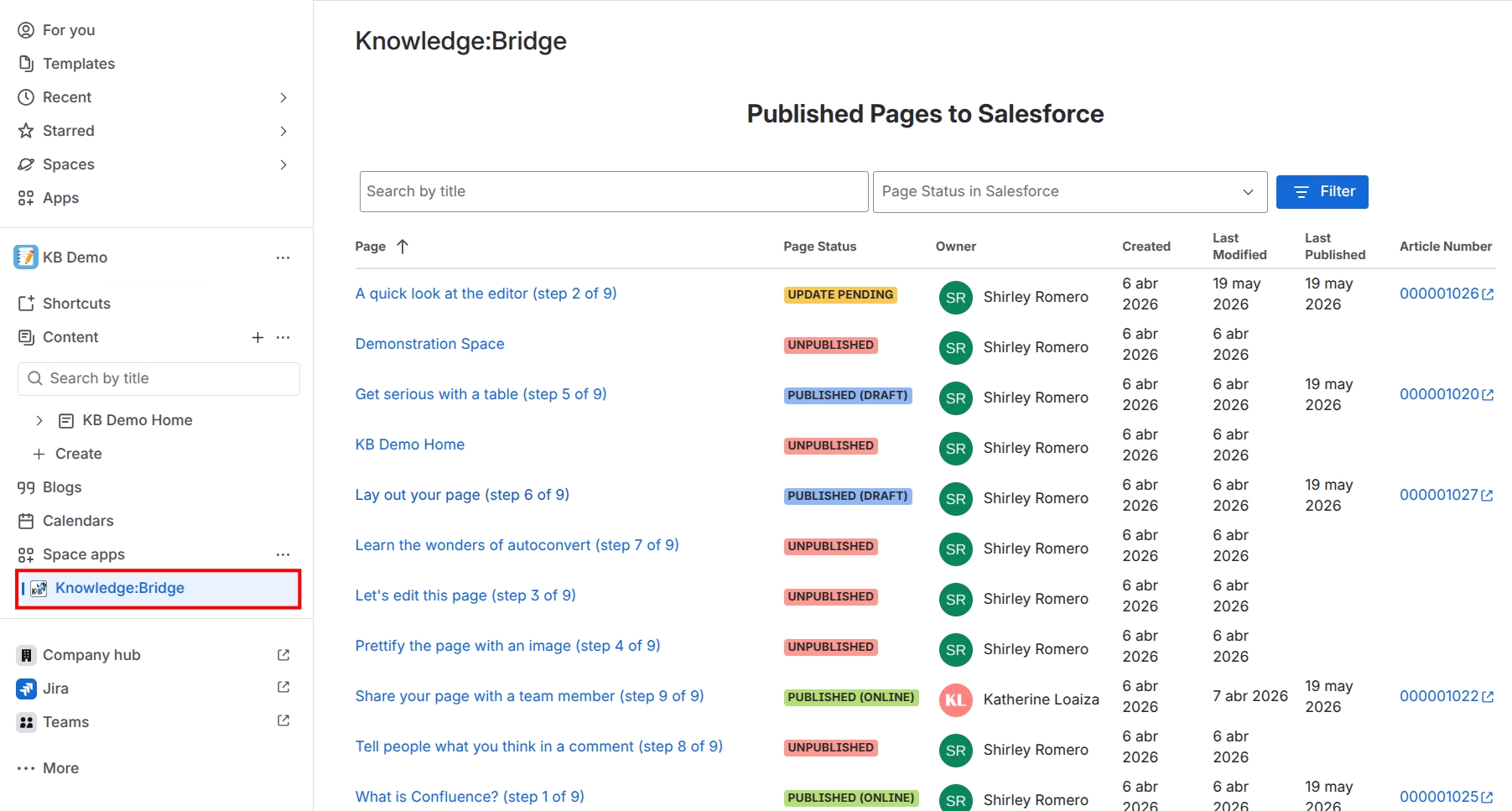
All the pages in the space are listed with the following details:
-
Page: Title of the page (can be sorted)
-
Page Status: The possible values are:
-
Published(Draft): The page was published to Salesforce as Draft
-
Published(Online): The page was published to Salesforce as Online
-
Update Pending: The page was updated in Confluence, but not yet published again to Salesforce
-
Unpublished: The page is not published in Salesforce
-
-
Owner: The Confluence page owner
-
Created: The date when the page was created in Confluence
-
Last modified: The date when the page was last updated in Confluence
-
Last published: The date when the page was last published to Salesforce
-
Article Number: The Salesforce Knowledge Article Number, this link will open the Article in Salesforce.
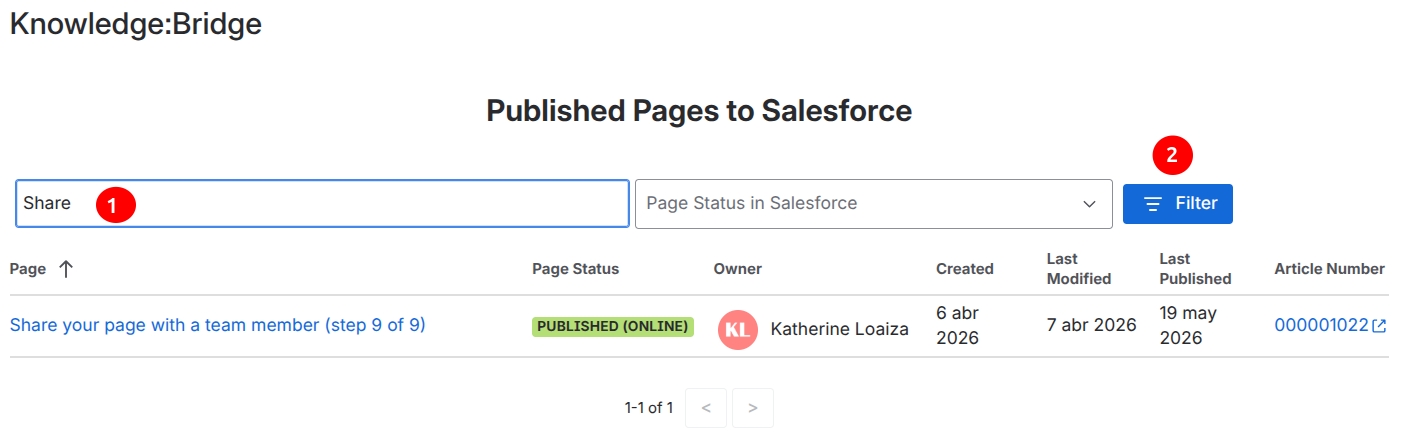
The pages can be filtered by Title and/or Status:
-
Title: search by keywords and hit Enter or click on the Filter button
-
Status: Select one or more values and hit Enter or click the Filter button