Add Visualforce Page to Case layout for Related JIRA Issues

The final step in this setup before turning this capability to Support teams involves adding a Visualforce page (Related JIRA Issues) to the Case page layout from where users will interact with JIRA.  To achieve this,

  1. edit the layout of the Case page,

  2. create a section for the JIRA Related Issues, and

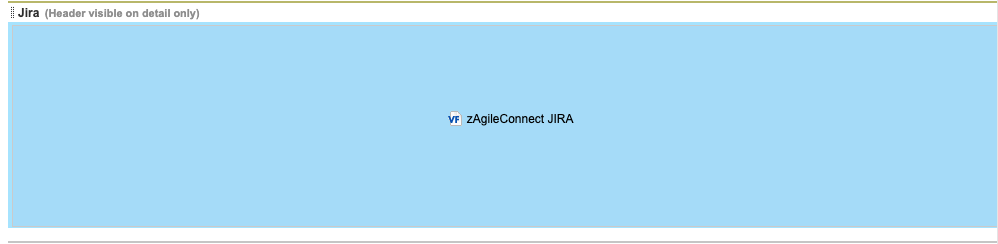
  3. drag the Visualforce page ‘zAgileConnect JIRA’ into this section.
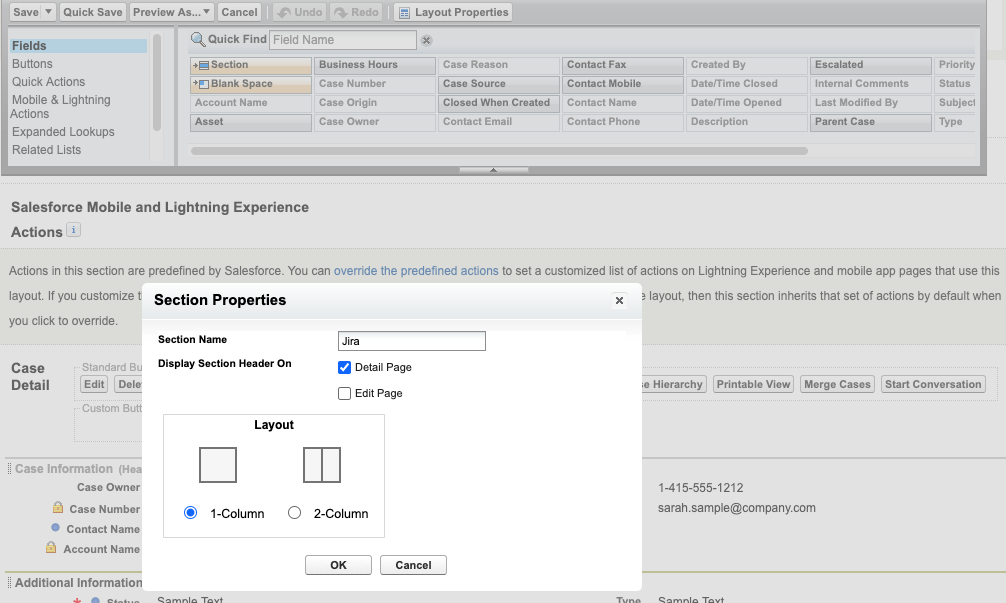
image2020-8-26_15-34-14.png
image2020-8-26_15-35-3.png

Set the property of this page for sufficient width and scrolling, as desired.
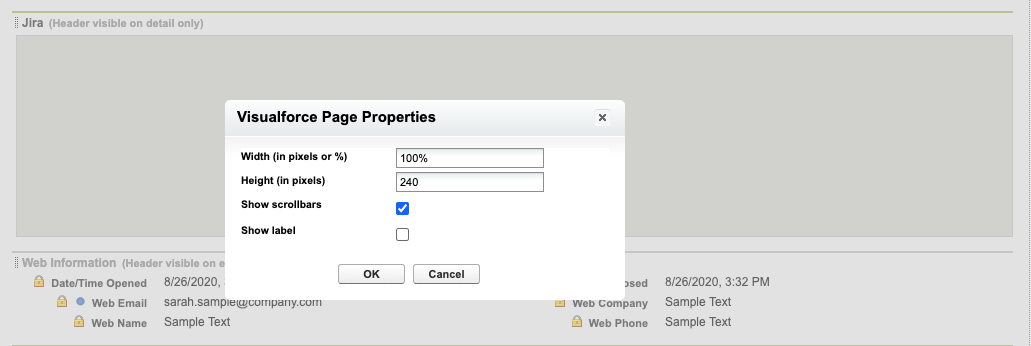
image2020-8-26_15-35-42.png

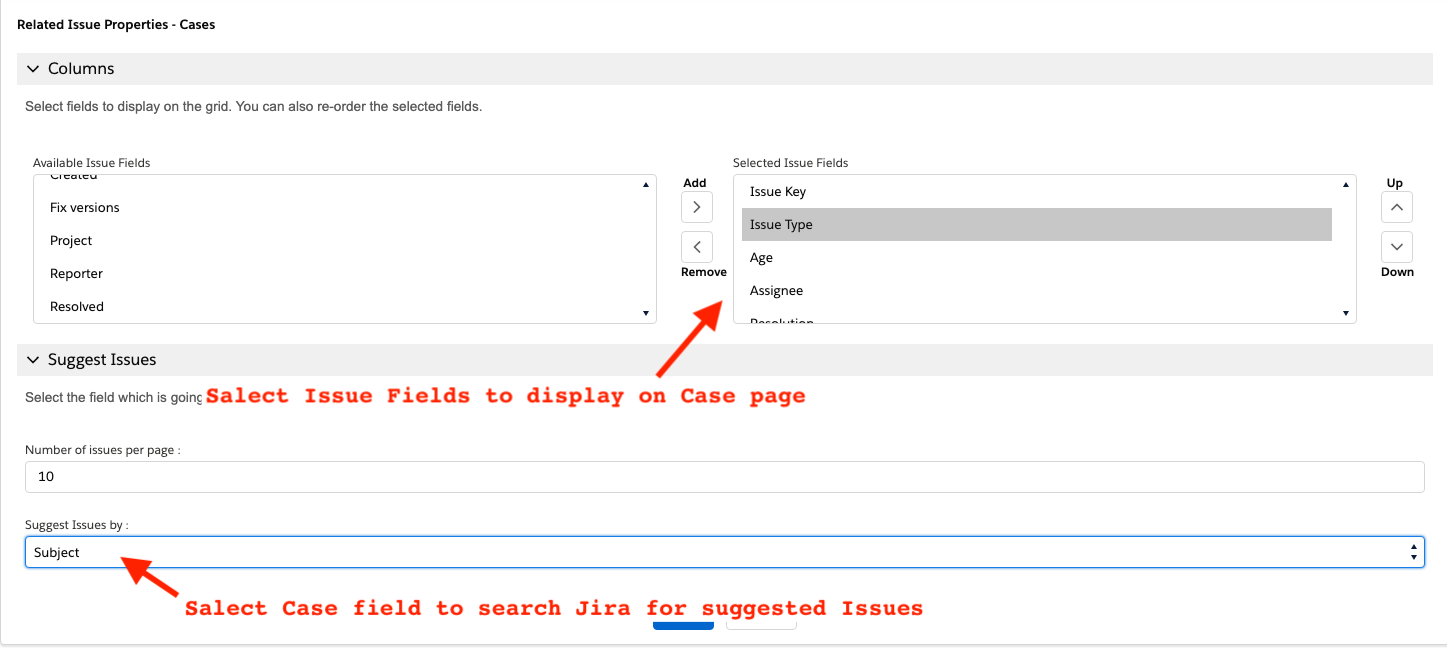
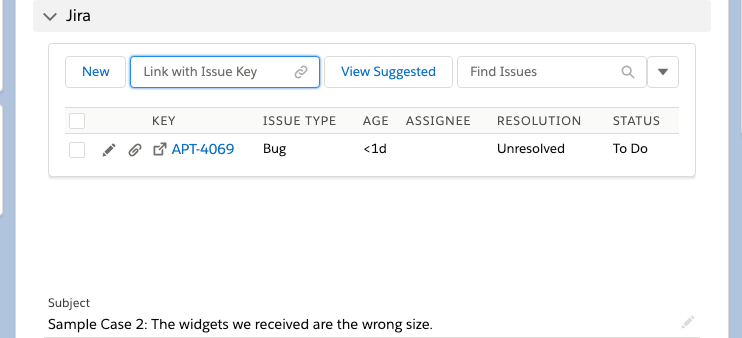
On the Case page, configure Jira Issue fields to display on the page
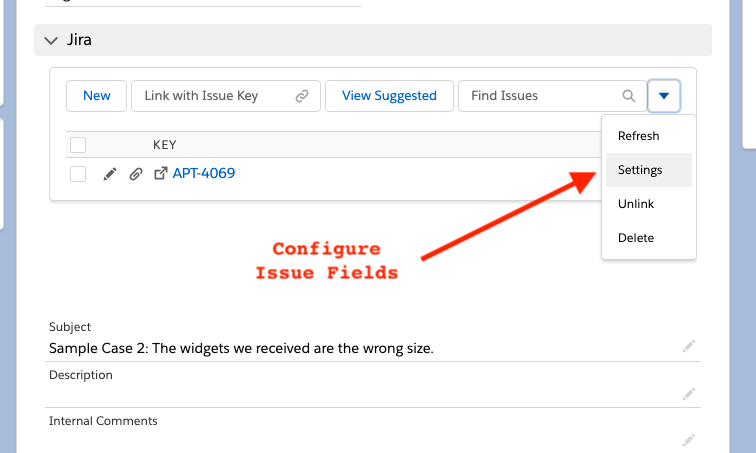
Screen Shot 2021-01-30 at 8.42.46 PM.png
Screen Shot 2021-01-30 at 8.52.50 PM.png
image2021-1-30_20-59-39.png