
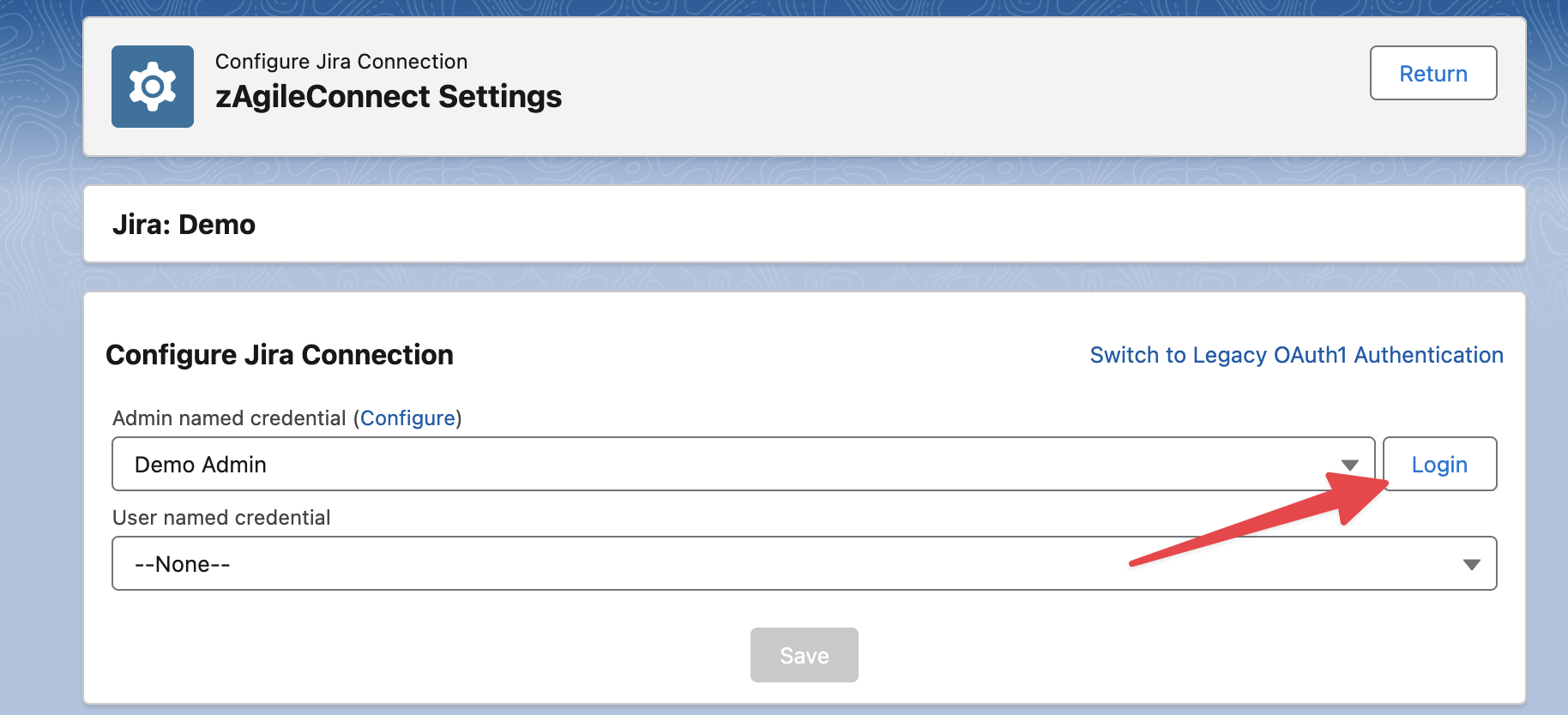
In the Configure Jira Connection screen, click on the Login button
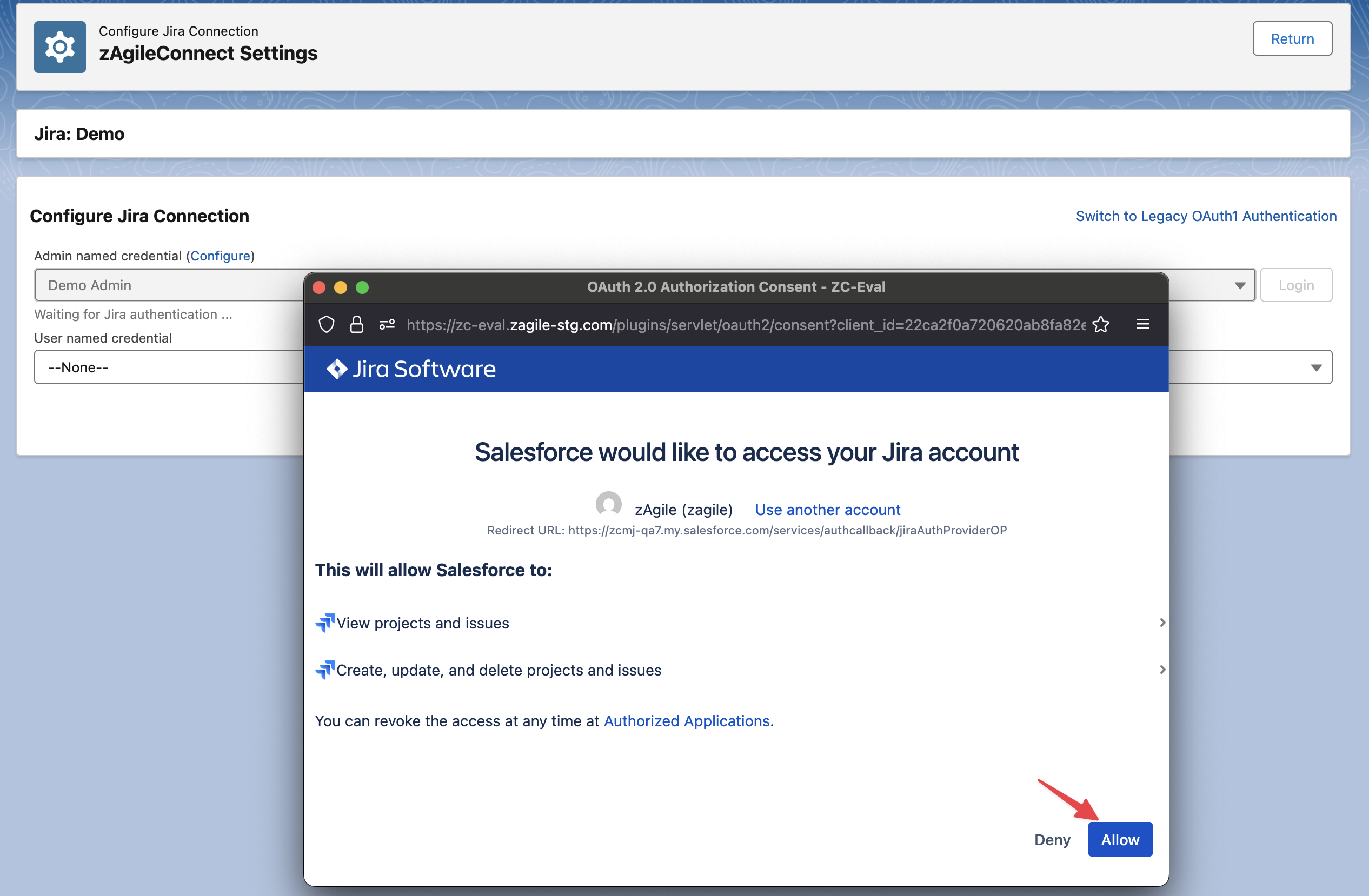
It will open a new popup to authenticate, use a Jira account designated for this integration and allow access to your Jira instance
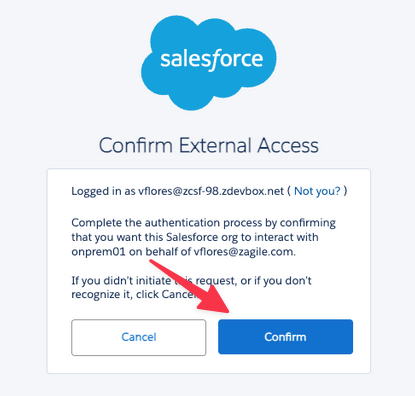
Confirm the External Access and Close the popup
After closing the popup click on Save, it should show the “Connected“ status and the related integration user information